
How to generate show notes and chapters
Once your episode is transcribed, PodManager can write the show notes and mark the chapters for you. You review and edit, rather than writing from a blank page.
Before you start
- Your episode needs a transcript. Transcription runs automatically after recording or upload.
- 1
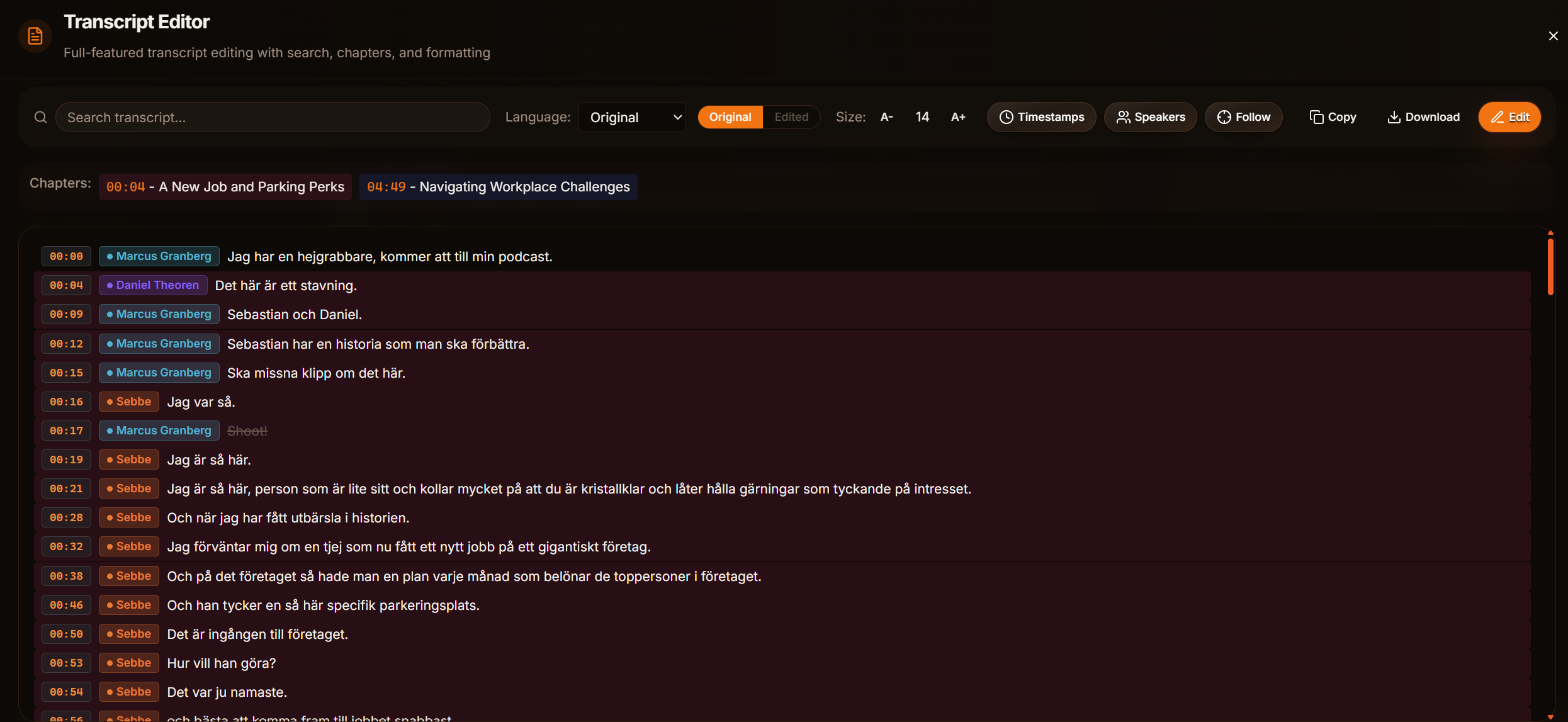
Open the episode and confirm the transcript
Open your episode and check that the transcript is ready. You can fix any words in the transcript editor first.
- 2
Generate show notes
Run the show notes generator. It writes a short summary, a chapter list, guest mentions, and a list of references such as books, people, and links.
- 3
Review and adjust
Read through and tweak the wording so it sounds like your show. The notes are saved with the episode.
- 4
Confirm chapters
Check the auto-detected chapters and adjust any timestamps or titles. Chapters let listeners jump to topics.
Tips
- Good chapter titles double as social hooks. Reuse them when you make clips.
Frequently asked questions
- Can I edit the generated notes?
- Yes. Everything is editable. Treat the output as a strong first draft.