
How to publish and distribute an episode
Publishing is one action. PodManager hosts your feed and distributes to the directories, so you do not submit to each platform by hand.
Before you start
- Your episode should be edited and have a title, description, and cover art.
- New podcasts are submitted to the directories once. After approval, new episodes appear automatically.
- 1
Open the publish screen
Open your episode and go to publish. Confirm the title, description, show notes, and cover art.
- 2
Choose publish now or schedule
Publish immediately, or pick a future date and time for automatic release.
- 3
Confirm distribution
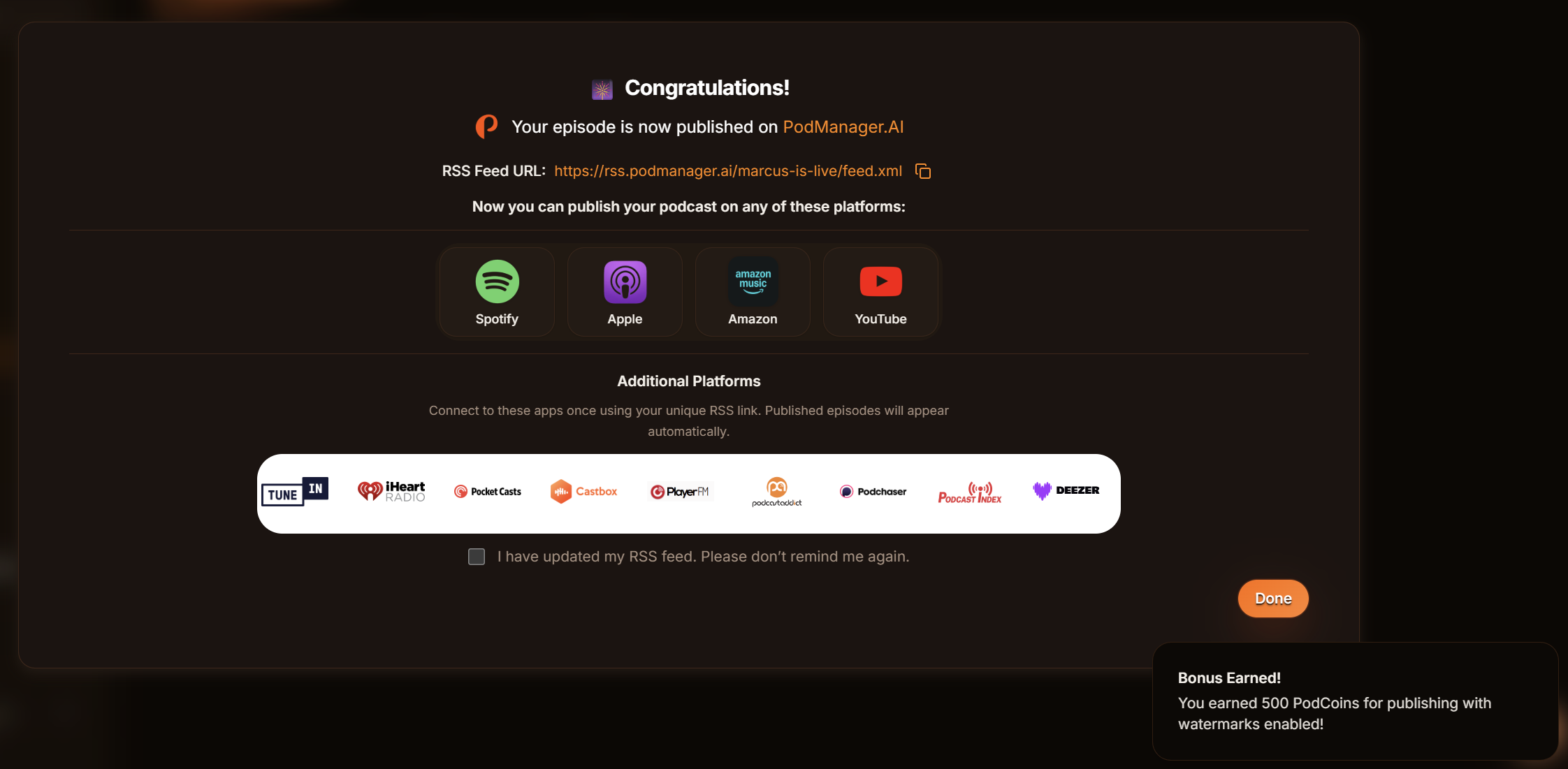
Your episode is added to your hosted RSS feed and distributed to the major directories. Any podcast app that reads your feed will pick it up.
- 4
Share your links
Copy the episode links and your PodSite link to share on social and in your newsletter.
Tips
- If you are moving from another host, import your existing show from its RSS feed first so your back catalogue comes with you.
- Your show is discoverable on YouTube through your RSS feed.
Frequently asked questions
- How long until my episode appears on Spotify or Apple?
- New episodes usually appear within minutes to a few hours, depending on how often each directory refreshes feeds.