
How to build your podcast website (PodSite)
PodSite gives your show a real website without any coding. Episodes appear automatically, and listeners can play them or jump to their favourite app.
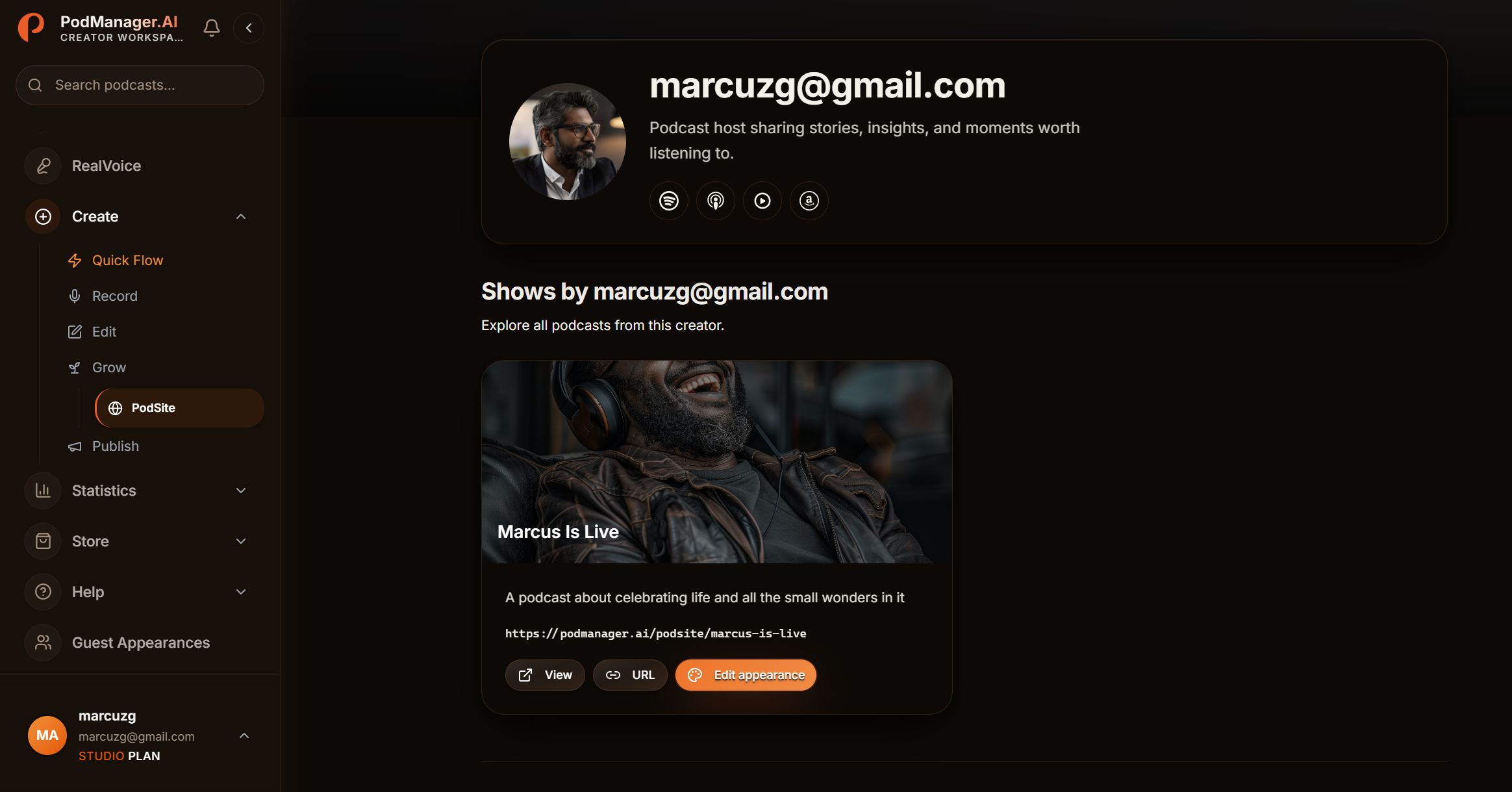
Before you start
- A custom domain is available on higher plans. You can start on the free PodManager address and add a domain later.
- 1
Open PodSite
Go to the PodSite area for your show.
- 2
Set your branding
Add your cover art, description, and links so the site matches your show.
- 3
Confirm episodes appear
Your published episodes show up automatically with players. Check that they look right.
- 4
Connect a custom domain
On higher plans, point your own domain at your PodSite so listeners see your brand, not a generic URL.
Tips
- Put your PodSite link in your social bios. It is one link that covers every platform.
Frequently asked questions
- Do I need to update the site for every episode?
- No. New episodes appear automatically once you publish them.